Four minutes at home, none at the airport
Setting up your Costa Rica eSIM
Install before you fly, land connected, and never trigger a $12 roaming pass. Plus the manual network trick that fixes most Costa Rica connection failures.
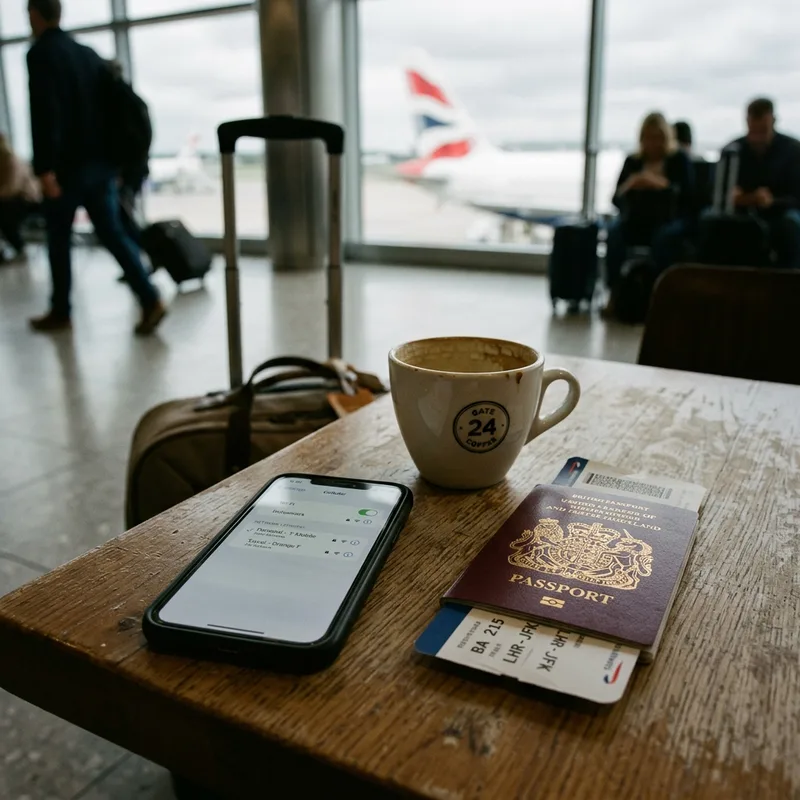
Before you fly the four minutes that matter
- Check the phone takes an eSIM. Dial *#06#. If an EID appears alongside the IMEI, you are fine. If there is no EID, no eSIM will work and you want a local chip instead.
- Check the phone is unlocked. A carrier-locked handset rejects eSIM profiles. Ask your carrier; most will unlock a paid-off phone for free, and it can take a day or two, so do it before the week you fly.
- Buy and install on home wifi. Scan the QR or install through the brand's app. Label the line something obvious like "Costa Rica" so you are not guessing in a dark airport.
- Switch the new line OFF and leave it off. Validity starts on first connection in Costa Rica, not at purchase, so an early install costs nothing and saves you doing this on airport wifi.
The exact screens iPhone and Android
iPhone
Install: Settings → Cellular → Add eSIM → Use QR Code, or open the provider's app and follow its flow.
Label it: when prompted, name the plan "Costa Rica" rather than accepting "Secondary".
Before landing: Settings → Cellular → tap the Costa Rica line → Turn On This Line.
Stop roaming charges: tap your home line → Cellular Data Network → make sure Data Roaming is off.
Set the data line: Settings → Cellular → Cellular Data → choose Costa Rica. Leave "Allow Cellular Data Switching" off.
Manual network: Settings → Cellular → Costa Rica line → Network Selection → turn Automatic off → choose Claro or Liberty.
Android
Install: Settings → Network & internet → SIMs → Add eSIM (wording varies by maker; on Samsung it is Connections → SIM manager).
Label it: rename the SIM to "Costa Rica" in the SIM manager.
Before landing: SIM manager → enable the Costa Rica SIM.
Stop roaming charges: select your home SIM → turn Roaming off.
Set the data line: SIM manager → Mobile data → Costa Rica.
Manual network: Costa Rica SIM → Mobile network → Network operators → turn Automatic off → choose Claro or Liberty.
On landing at SJO or LIR the first sixty seconds
- Airplane mode on, then off. This forces the phone to look for a Costa Rican network instead of clinging to nothing.
- Switch the Costa Rica line on if you have not already, and set it as the data line.
- Confirm your home line's data roaming is off. Do this before you load anything. The most expensive mistake people make in Costa Rica happens between the gate and baggage claim.
- Load a page. If it works, you are done. If it does not, give it five minutes, then go to the manual network fix below.
When it does not connect symptom, then fix
| What you are seeing | What it usually is | What to do |
|---|---|---|
| No service on the eSIM line at the airport | The phone has not attached to a partner network yet | Airplane mode on and off, wait two minutes. Then set network selection to manual and pick Claro. |
| Connected but no data | Data line still set to the home SIM | Set the eSIM as the data line, and check the APN if your provider gave you one. |
| Worked in San José, dead near the coast | You have left your network's footprint | Switch manually between Claro and Liberty. If neither works you are in a Kölbi pocket, which no travel eSIM reaches. Here is the fix. |
| Signal drops every few minutes on a mountain road | Normal for Costa Rica | Nothing to fix. Download the offline map so navigation stops depending on it. |
| Home carrier sent a roaming welcome text | Data roaming is still on | Turn it off immediately on the home line. If a day pass has triggered, call your carrier the same day; most will reverse a single accidental charge. |
| eSIM will not install at all | Carrier-locked phone, or no EID | Dial *#06# to check for an EID. If it exists, the phone is locked and your carrier has to unlock it. If it does not, buy a local chip instead. |
| Plan says active but shows zero data used | It has not attached in-country yet | Harmless. Costa Rica plans start counting on first connection inside the country. |
If you are still stuck after the manual network step, contact your provider's support from hotel wifi with a screenshot. On Saily and Airalo that reliably gets a human. On Yesim, give yourself more time.
Running an eSIM and a Kölbi chip together for rural routes
If you are self-driving south of Uvita or staying in Sarapiquí, Tortuguero or the Osa, the setup we recommend is a travel eSIM plus a physical Kölbi chip. Modern phones handle three lines in settings even though only two can be active at once, so the practical routine is:
Default state: home line on for calls with data roaming off, travel eSIM as the data line, Kölbi chip in the tray but switched off.
Before you head rural: switch the Kölbi line on, make it the data line, and leave the eSIM enabled as a fallback. On an iPhone with a physical SIM plus one eSIM this works directly. On an eSIM-only iPhone you would need the Kölbi line as a second eSIM, which Kölbi shops can usually provision, though a physical chip is the reliable path.
Back in town: switch the data line back to the eSIM, because that is the data you have already paid for and Kölbi's prepaid balance is better saved for where it is the only option.
The pre-flight checklist screenshot this
☐ Phone shows an EID when you dial *#06#
☐ Phone is unlocked, confirmed with the carrier
☐ eSIM installed and labelled "Costa Rica", line switched off
☐ Home line data roaming off
☐ Offline map of Costa Rica downloaded in Google Maps over home wifi
☐ Bookings, addresses and the shuttle number screenshotted
☐ Provider's support contact saved offline
☐ If going rural: know where your first Kölbi shop is (City Mall Alajuela for SJO, downtown Liberia for LIR)
Setup questions answered straight
When should I install my Costa Rica eSIM?
At home on wifi, days before you fly. Costa Rica plans start counting on first connection inside the country, not at purchase, so early installation costs you nothing and saves you doing it on airport wifi with a queue behind you.
How do I avoid roaming charges in Costa Rica?
Turn data roaming off on your home line before you land, and set the eSIM as your data line. Leave the home line itself switched on so you still get calls and bank SMS codes. That combination is the whole trick, and skipping it is how people arrive to a $12 day pass already charged.
My eSIM says no service in Costa Rica, what now?
Toggle airplane mode, wait two minutes, then go to network selection, turn Automatic off and pick Claro. If Claro does not appear or fails, try Liberty. If neither exists, you are in an area covered only by Kölbi, which no travel eSIM reaches. That needs a local chip, not a different eSIM.
Can I use an eSIM on a locked phone?
No. A carrier-locked handset rejects eSIM profiles the same way it rejects foreign SIM cards. Most carriers will unlock a paid-off phone for free but it can take a day or two, so ask well before you fly.
Do I need to download offline maps?
Yes, and it is the single most useful free thing you can do before a Costa Rica trip. Signal drops constantly on mountain and coastal roads, and every recovery makes the map refetch tiles. The offline map removes both the data cost and the dependence on a signal that will not always be there.
Can I keep my WhatsApp number on a travel eSIM?
Yes. WhatsApp stays tied to your home number regardless of which line carries the data, so people message you exactly as they did before. This is why most Costa Rica eSIMs being data-only is not a problem.
Install it before you leave home wifi
Airalo's Costa Rica plans start counting on first connection inside the country, so buying and installing early costs nothing and removes the airport from the equation.
See Airalo's Costa Rica plansSources & freshness: Menu paths verified on current iOS and Android builds, September 2, 2026. Wording varies slightly by manufacturer. Network partner names from each brand's own Costa Rica product page. Compare all five providers: best eSIM for Costa Rica.